

Two weeks ago, I ran an SEO masterclass at Wintec.

One of the people there told me she’d once been to an SEO workshop where the guy running it preached that your meta description is one of the most important parts of SEO.
I laughed.
Look — meta descriptions matter. They help Google understand what your page is about, and a good one helps win the click.
But to say it’s one of the most important parts of SEO would be as truthful as saying I’ve got a full head of hair.
It’s one of the smallest jobs you’ll ever do for your website — the kind of thing you shouldn’t spend more than two minutes on.
In this guide I’ll show you what a meta description actually is, how to write a good one in under a minute, where it really sits on your priority list, and how to add one to your site — without burning an afternoon on something Google rewrites most of the time anyway.
What is a meta description?
A meta description is the short summary that sits under your page’s title in Google’s results.
It’s a snippet of text — usually a sentence or two — that tells searchers what a page is about before they click. It lives in the code of your page, inside the <head>, and never shows on the page itself.
Here’s what it looks like in the HTML:
<meta name="description" content="Learn how to write meta descriptions that earn clicks — a plain-English guide for NZ businesses.">And here’s where the searcher actually sees it — that line of grey text under the blue link:

It’s one slice of your on-page SEO, and about as technical as meta descriptions ever get.
Do meta descriptions still matter for SEO?
Yes — but probably not for the reasons you’ve been told.
A meta description does two useful things:
- It helps Google and readers understand what your page is about.
- A sharp, enticing one helps win the click when your result’s sitting in a list of ten.
Here’s what it does not do:
Change your rankings. Google has said for years that the meta description isn’t a ranking factor. Write the best one in the world and your position won’t move an inch.
And then there’s the part most SEO blogs whisper past. Google rewrites most meta descriptions anyway.
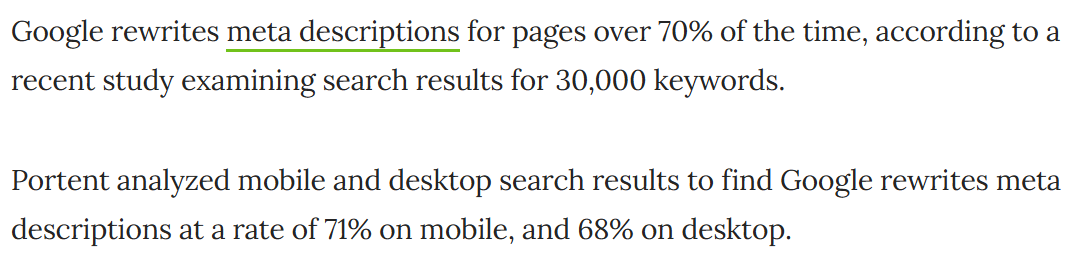
A Portent study of 30,000 keywords found Google rewrites the description on around 71% of mobile results and 68% on desktop.
Ahrefs ran its own study and landed at 62.78%. Different numbers, same story: more than half the time, the words you carefully wrote never show up.
Google does this because your description is written once, but your page ranks for dozens of different searches.
When your description doesn’t match the exact query someone typed, Google grabs a more relevant sentence straight off your page instead.
None of that makes writing one a waste of time. When Google does use your description — roughly three times in ten — a clear, benefit-led line can pull more clicks than the result above you.
Same ranking, more traffic. A strong snippet can lift your click-through rate in a way no ranking factor can touch.
The verdict: worth doing, never worth obsessing over. Write it once, make it honest, move on.
What matters way more than your meta description
This is the part those workshop “experts” leave out.
If your SEO time is limited — and it always is — the meta description is one of the last things to sweat. These are the things Google actually ranks on, and they move the needle far harder:
- High-quality content does the heavy lifting. The kind of content that genuinely answers the search is what earns rankings and gets you cited.
- The right keywords matter before anything else. Good keyword research means you’re chasing searches people actually make, not ones you wish they made.
- A technically sound site — fast, crawlable, mobile-friendly — gives everything else a foundation. That’s technical SEO.
- Links from other websites still carry serious weight. Building links is slower and harder than tweaking a meta tag, which is exactly why it’s worth more.
Here’s why I’m hammering this:
A lot of SEO “advice” in New Zealand fixates on the small stuff — meta descriptions, keyword tweaks, ticking little green lights — because the small stuff is easy to show a client and easy to sell.
It plays on a gap. Most business owners don’t know what good SEO looks like, so when an agency says “your meta descriptions are all wrong, we’ll sort them,” it sounds like real work.
And it is work. It’s just the lowest-value work there is, dressed up as the highest.
I’ve been doing SEO for over a decade — much of it competing in the United States, where the game runs years ahead of the average Kiwi agency.
Now I bring that home through Expert SEO. And in all that time, I’ve watched local providers sell meta-tag tweaks as a growth strategy.
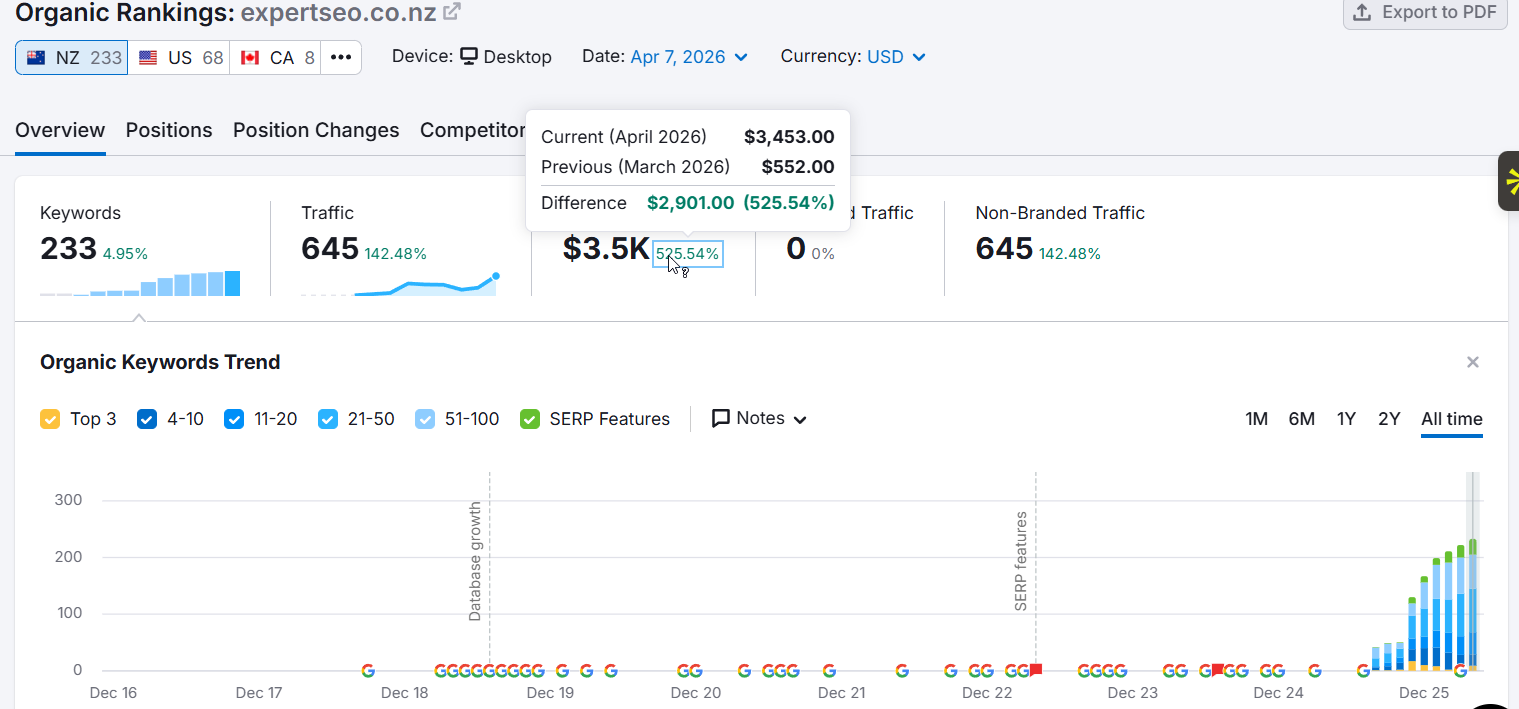
Either they don’t actually know what high-level SEO is, or they know exactly how thin it is and bank on you not knowing the difference.
Meta descriptions, with the AI tools we’ve got now, are a five-minute job. Charging like it’s heart surgery is the tell.
How long should a meta description be?
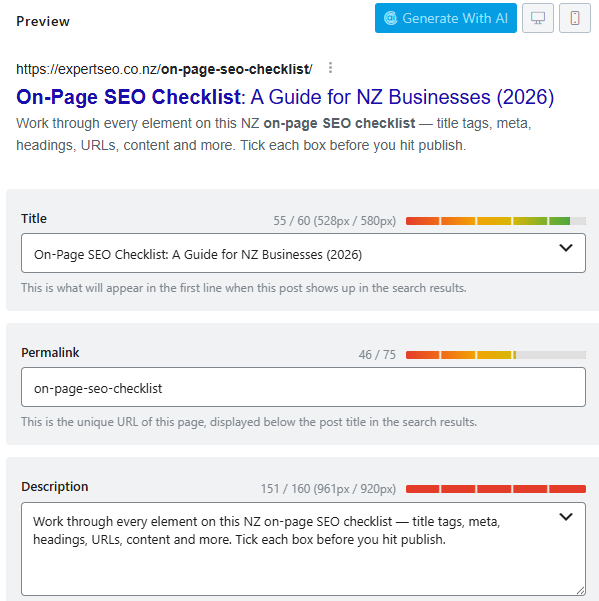
Keep it under about 155 characters — but the honest answer is there’s no magic number.
Google doesn’t enforce a hard limit. It truncates the snippet to fit the device, so a description that looks fine on desktop can get cut off on a phone. And most of your traffic is on a phone.
The tools all quote slightly different numbers — Yoast says around 155, Semrush leans shorter at about 135 — because they’re guessing at the same moving target.
Don’t write to the counter. Write the clearest possible pitch, front-load the important words, and let the length fall where it falls.
Same as its sibling the title tag: you’re writing for a human skimming results, not for a character-count widget.
How to write a meta description that earns the click
A good meta description does one job: make the right person want to click. Here’s how to write one that does.
- Match the page. Promise what the page actually delivers — nothing more. Oversell it and Google rewrites you, or the visitor bounces and trust takes the hit.
- Lead with the benefit. Answer the question in the searcher’s head in the first few words, before any truncation can chop the end off.
- Work the keyword in naturally. Google bolds words that match the search, so a relevant term earns a visual nudge. Naturally, though — not stuffed.
- Use active voice and a light nudge to act. “Get,” “learn,” “see,” “book.” Not a hard sell, just a reason to click.
- Keep it unique. Every page gets its own. The same description on twenty pages tells Google you didn’t try.
Here’s the difference on a real example. Say you run an Auckland café and you want the brunch crowd. A weak description reads like a database entry:
“Cafe in Auckland. We serve coffee and food. Open daily.”
A good one gives someone a reason to choose you:
“Auckland CBD’s best brunch — single-origin coffee, all-day eggs, and a sunny courtyard two minutes from Britomart. Walk-ins welcome.”
Same café. One of those gets the click. If you’re chasing local customers like that, it’s the same instinct behind all good SEO in Auckland: talk to the actual person searching, in their actual city.
Good and bad meta descriptions: real NZ examples
The fastest way to get this is to see good and bad side by side.
Here are three NZ businesses, the lazy version, and the one that earns the click:
| Business | Weak (gets rewritten or ignored) | Strong (earns the click) |
|---|---|---|
| Hamilton dentist | “Dental practice in Hamilton. Book an appointment today.” | “Gentle dental care in Hamilton — same-week appointments, upfront pricing, and a team that actually explains your options. New patients welcome.” |
| Tauranga builder | “Builders in Tauranga. Quality work. Contact us.” | “Tauranga builders for new homes and renovations — fixed quotes, no surprises, and a portfolio of finished Bay of Plenty projects. Get a free estimate.” |
| Wellington lawyer | “Law firm offering legal services in Wellington.” | “Plain-English legal advice for Wellington businesses — contracts, disputes and property, sorted without the jargon or the surprise invoice.” |
The pattern’s simple: the weak ones describe, the strong ones sell. Specific detail, a clear benefit, and a reason to pick them over the result above.
This is exactly what we build into every page when we do SEO for dentists or SEO for lawyers. The snippet is the shop window, so it has to do more than confirm the shop exists.
The 30-second way to write meta descriptions
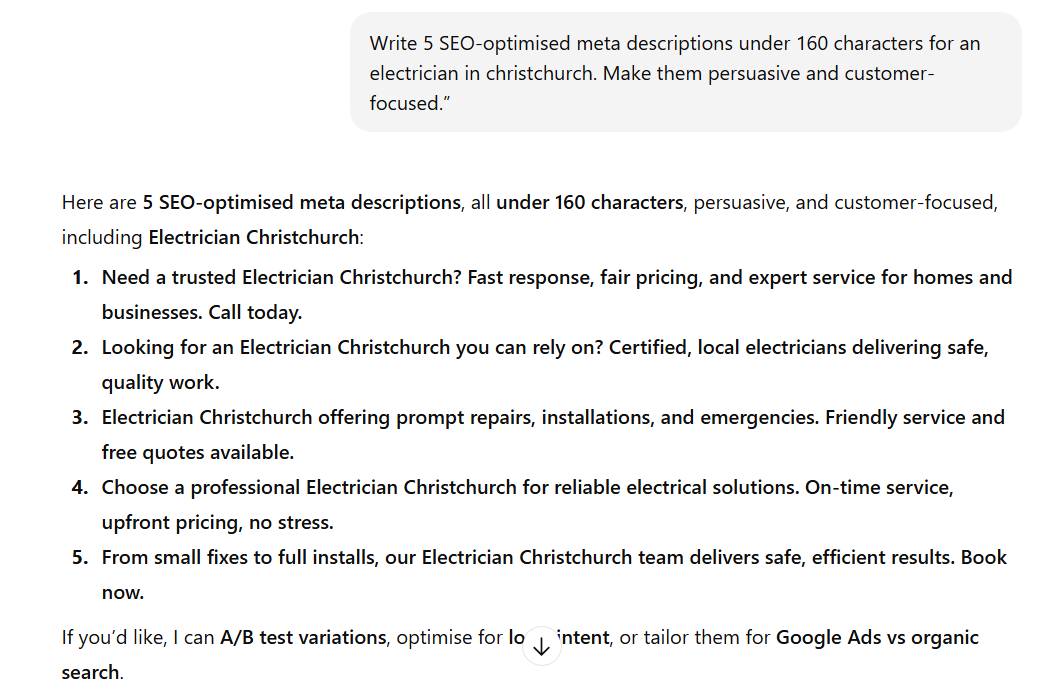
You don’t need to hand-craft these. For most pages, a 30-second ChatGPT prompt does the job better than you would at 5pm on a Friday.
Here’s the prompt I use:
“Write 5 meta descriptions for a page about [topic], targeting the keyword [keyword]. Each under 160 characters, active voice, one clear benefit, written for a New Zealand audience. No fluff.”
Paste it, pick the best of the three, and tweak a word.
Two quick checks before you publish: does it match the page, and is it under length on mobile?
Then there’s the triage, because not every page deserves even 30 seconds. Hand-write — or at least hand-check — the ones that matter:
- Your homepage and main money pages.
- Your top-traffic pages, where a 1% lift in clicks is real visitors.
- Anything brand-new that Google hasn’t figured out yet.
For the long tail — the blog posts pulling ten searches a month — let ChatGPT or Google handle it. Perfecting those is how an agency justifies a retainer, not how you grow.
How to add or edit a meta description in WordPress
On WordPress, adding a meta description takes about ten seconds in your SEO plugin.
If you’re on Rank Math, which is what I use, edit the page, scroll to the Rank Math box, click “Edit Snippet,” and type into the Description field. Save.

On Yoast it’s the same idea in a slightly different panel — the “Meta description” box under the snippet preview.
Using Elementor? Set it in your SEO plugin, not the Elementor canvas. The plugin controls your page’s meta tags; Elementor controls the visible design. Mixing those up is the most common reason a description “won’t save.”
You can do it without a plugin by editing the theme’s header, but unless you’ve got a specific reason to, don’t. The plugin route is faster and far harder to break.
How to check any page’s meta description
Want to see a page’s meta description — yours or a competitor’s? Three quick ways.
- Right-click → View Page Source, then hit Ctrl/Cmd+F and search for “description.” The tag’s right there in the head.
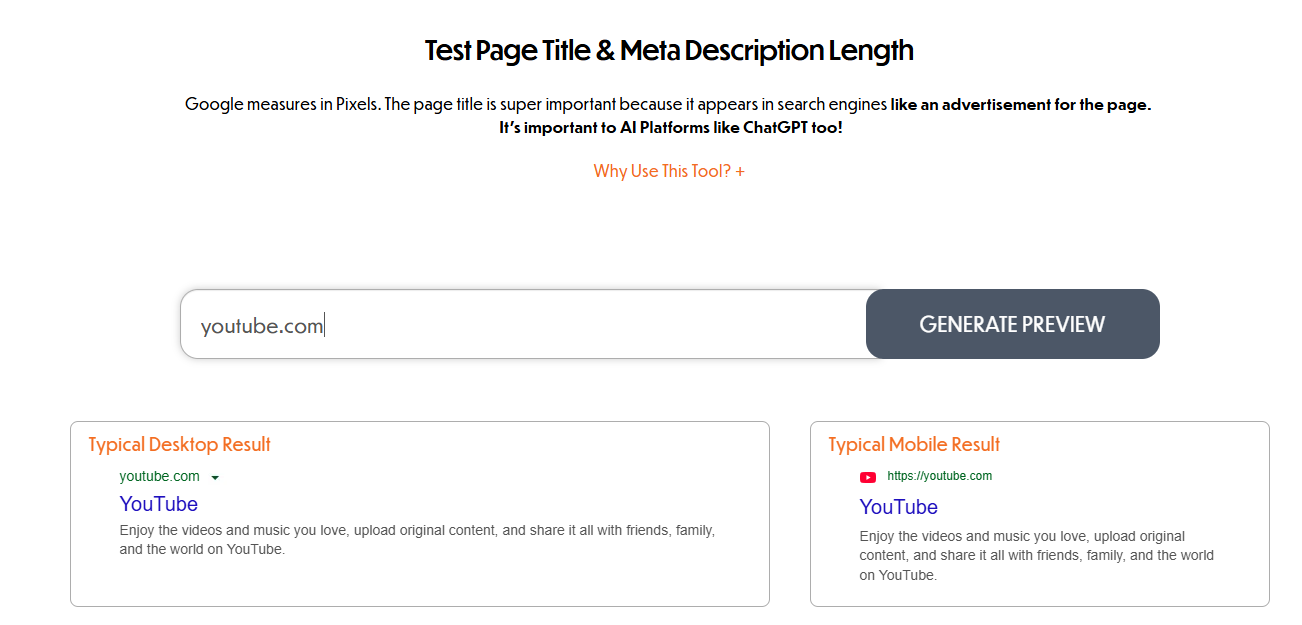
- A free checker tool (plenty exist) pulls it for any URL you paste in, and shows you how it’ll look on desktop and mobile.
- Your SEO plugin’s preview shows it on your own pages without touching any code.
Handy for seeing what competitors are promising in the results — and for catching your own pages that are missing one entirely.
Common meta description mistakes
Most meta description problems come down to a few repeat offenders:
- Duplicates. The same description on multiple pages. Google sees boilerplate and writes its own.
- Too long. Anything that runs past the mobile cut-off loses its ending mid-sentence.
- Keyword stuffing. Cramming the keyword in three times reads like spam and earns a rewrite.
- Mismatched. A description that oversells wins the click and loses the customer at the door.
- Blank on money pages. Leaving your homepage or service pages to chance is the one place this actually costs you.
The quickest way to catch duplicates and blanks across a whole site is a crawl — it’s one of the first things a proper SEO audit flags.
Why Google isn’t showing the meta description you wrote
If Google’s showing something other than what you wrote, nothing’s broken. Google’s just decided its own version fits the search better.
Usually it’s one of these:
- The searcher’s query didn’t match your description, so Google pulled a more relevant line off your page.
- Your description was too long, too short, or too vague to be useful.
- It’s duplicated across other pages.
- You only just changed it, and Google hasn’t re-crawled yet — give it days, not minutes.
There’s almost never a reason to actually worry about this. Remember the rewrite numbers: most descriptions get replaced no matter what.
If your most important pages show a sensible snippet, you’re fine. Chasing Google to honour every description you wrote is a great way to waste the afternoon you just saved.
Meta descriptions in the age of AI search
With AI Overviews and ChatGPT answering questions directly, people ask whether any of this still matters. Short answer: less for the AI, the same for the click.
AI systems don’t read your meta description and recite it. They summarise from your page content — the actual words on the page — to build their answer. So for getting picked up by AI, your meta description barely registers. Your content does the work.
And AI search isn’t a fringe thing now. Google’s AI Overviews reach about 2.5 billion people a month. That’s the surface a lot of your audience now starts on.
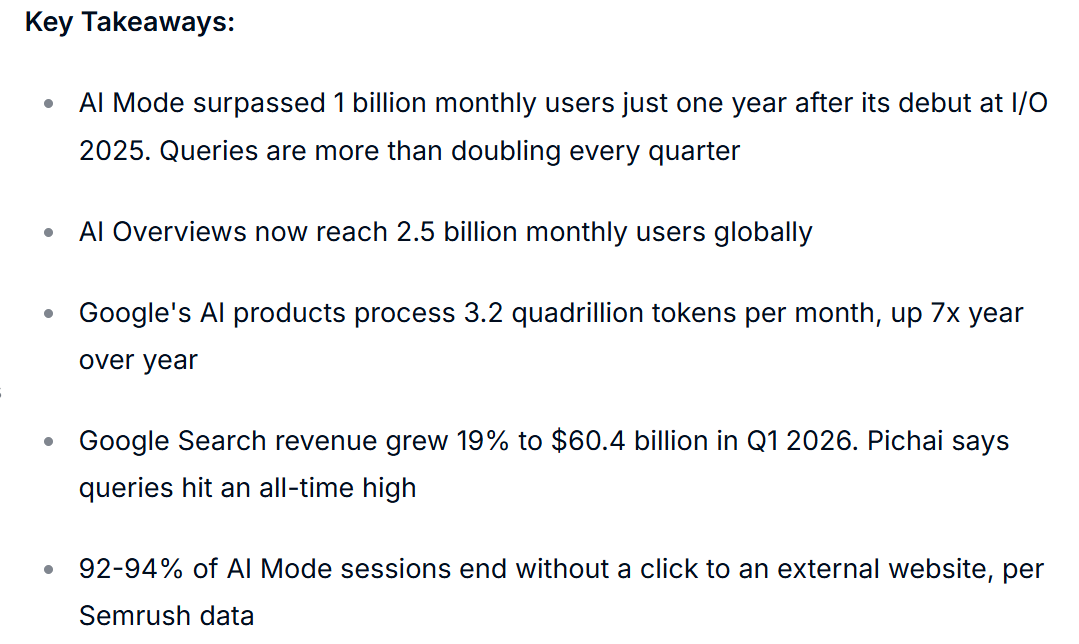
But for every person who still clicks a normal blue link — and that’s a lot of people — the meta description does the exact same job it always has. It pitches the click.
So don’t try to “optimise your meta description for AI.” There’s nothing there to optimise. Optimise the page instead — clear answer up top, clean structure, real substance — and you win the AI summary and the human click at the same time.
That’s the same work that got our own guides cited in AI Overviews and ChatGPT. It had nothing to do with a meta tag.

When to do it yourself vs hire an SEO expert
Meta descriptions are one job you should absolutely keep in-house. They take seconds, the AI tools make them faster, and now you know how. Do them yourself.
The work that actually moves your rankings is a different story. High-quality content, a clean technical foundation, and the authority that comes from links — that’s where the real lifting happens, and where most NZ businesses either run out of time or run out of know-how.
That’s the stuff worth handing to someone who does it all day.
If your meta descriptions are sorted but your traffic still isn’t moving, look underneath them — at the content, the tech, and the links. That’s where done-for-you SEO earns its keep, and where we come in.
Meta Descriptions: FAQ
Are meta descriptions still important in 2026?
How long should a meta description be?
Can two pages have the same meta description?
Why isn't Google showing the meta description I wrote?
Do meta descriptions help with ranking?
How do I write a meta description with AI?
Recommended Reading
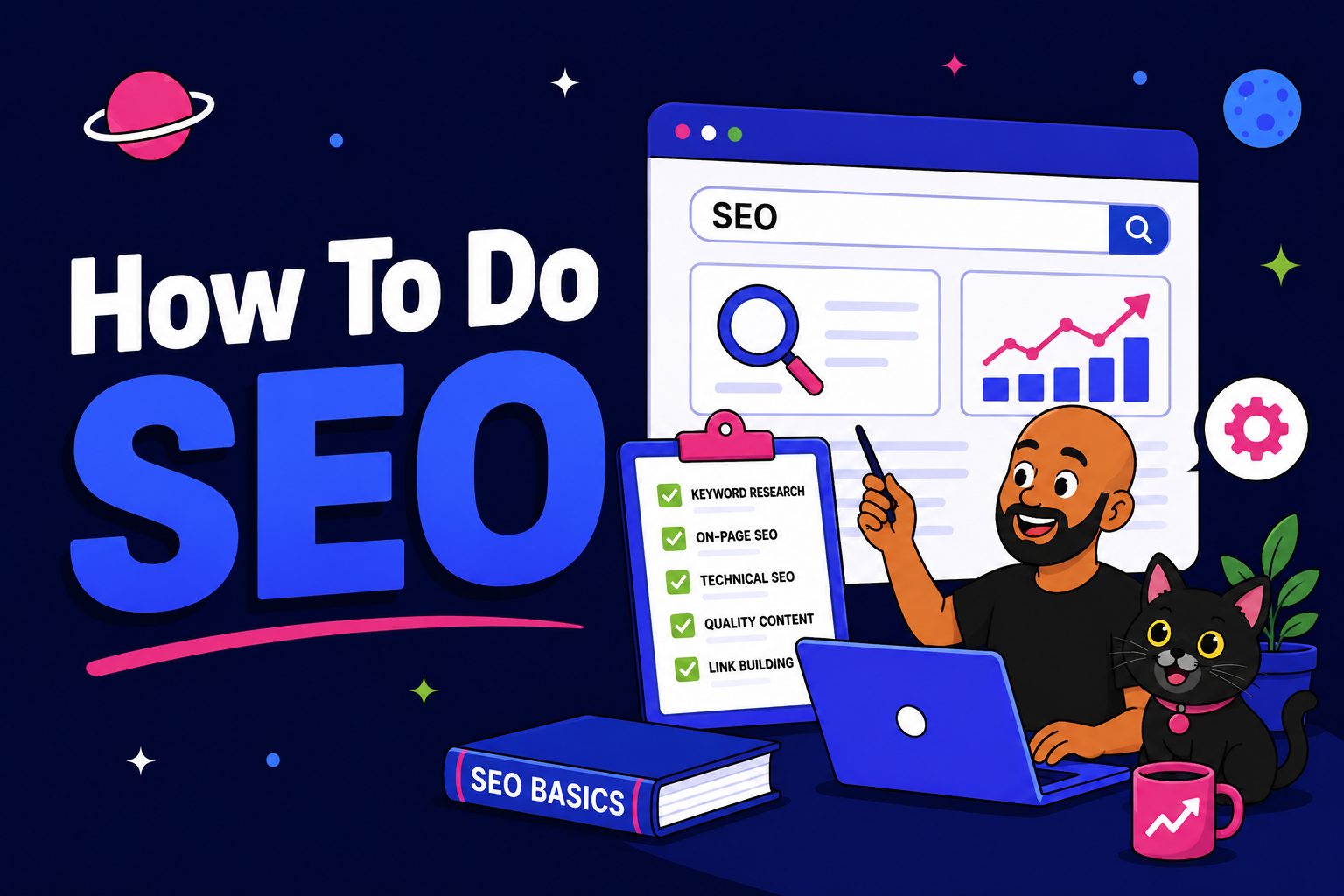
How to Do SEO
The full step-by-step process, from keyword to ranking — where the meta description fits in.

On-Page SEO Checklist
Every on-page element worth getting right, in the order you should tackle them.
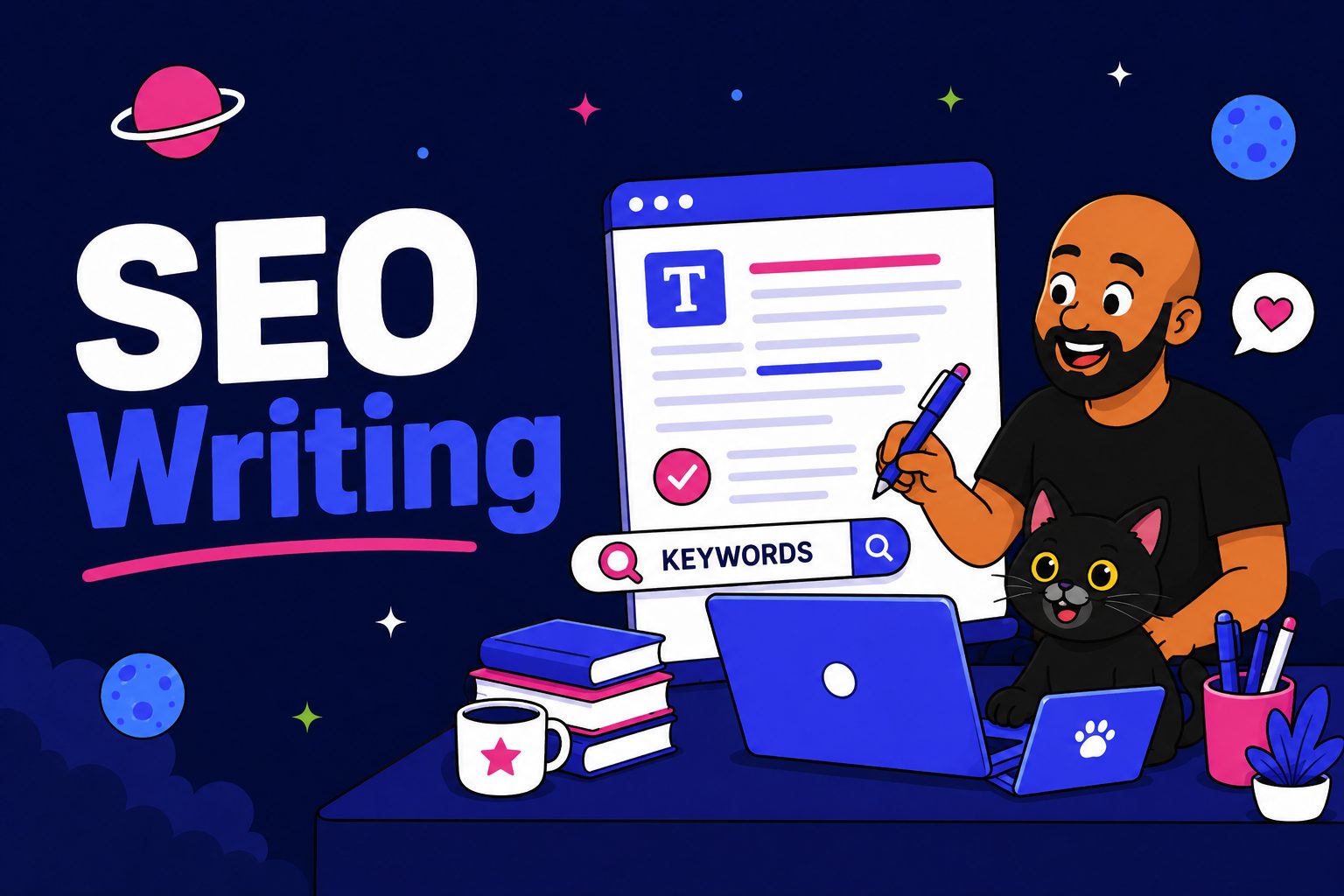
SEO Writing
How to write pages that win the click and the ranking, not just fill the word count.