External links sound complicated. They’re not.
An external link is just a link on your site that points to another website — and used well, they’re one of the quiet things that help you build trust and rank.
Linking out to solid sources was part of how I grew a site from zero to over 20,000 visitors a month.
In this guide, you’ll learn what external links are, whether linking out helps or hurts your SEO, and how to add, manage and fix them — with real NZ examples the whole way through.
What is an external link?
An external link is a link on your website that points to a page on a completely different website.
Say you’re reading a blog post about the best coffee beans in New Zealand, and it links you out to a Hamilton roaster’s product page. That link — from one site to a totally different site — is an external link.
It comes in two directions, and this is where most guides lose people:
- Outbound: a link from your site pointing to someone else’s. You control these completely.
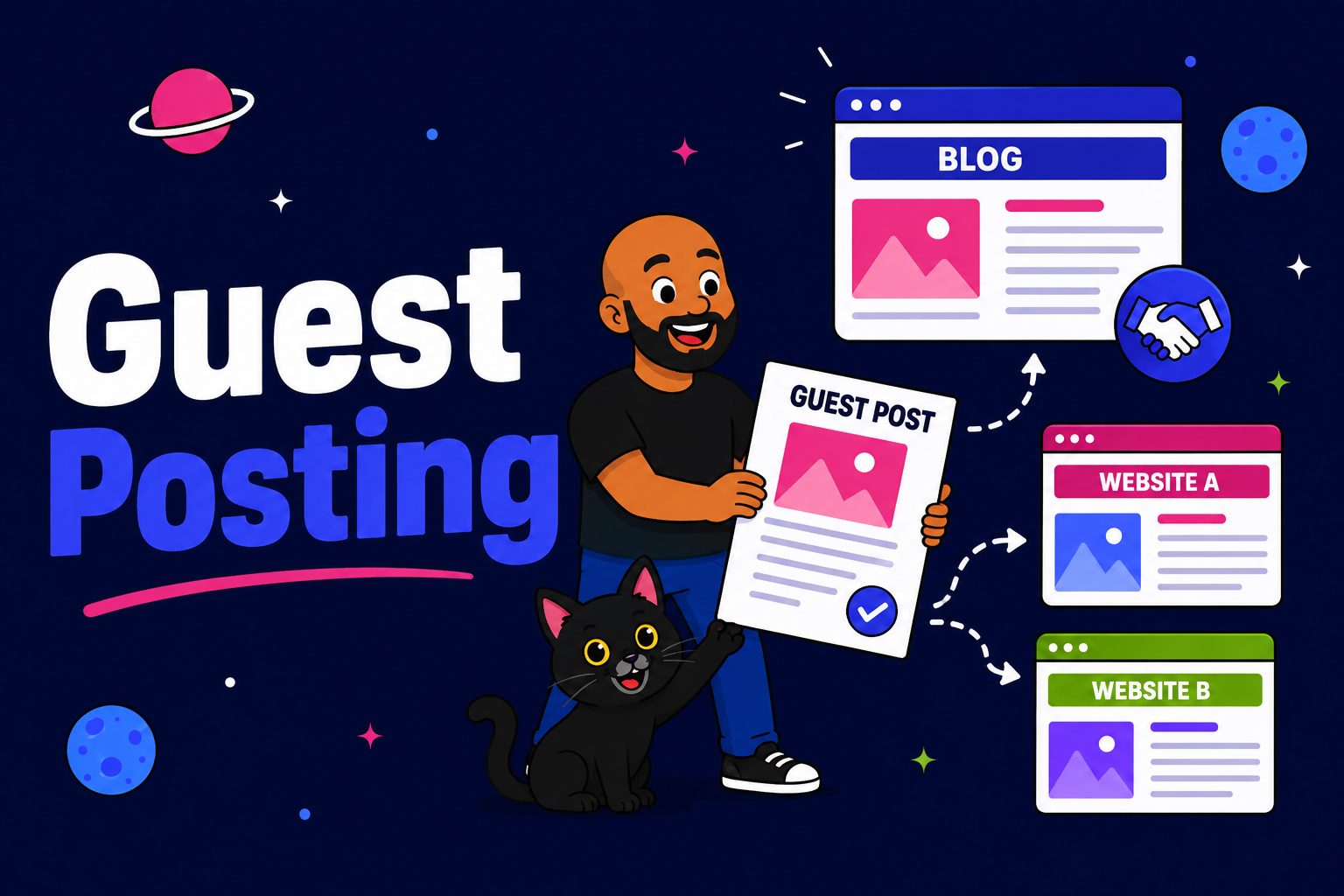
- Inbound: a link from someone else’s site pointing to yours. That’s just a backlink. You don’t place these — you earn them, and that’s link building.

An external link is also known as an outbound link. When someone says “external link” in an SEO context, that’s almost always what they mean — a link you’ve placed, pointing out.
This whole guide is about that outbound side: the links you control. The inbound side is its own game entirely.
External links vs internal links
Internal links connect pages on your own site. External links point off it.
That’s the only difference, but they do completely different jobs:
- Internal links keep people on your site, spread authority around your own pages, and help Google crawl your content. This is internal linking, and it’s one of the most underrated things you can do.
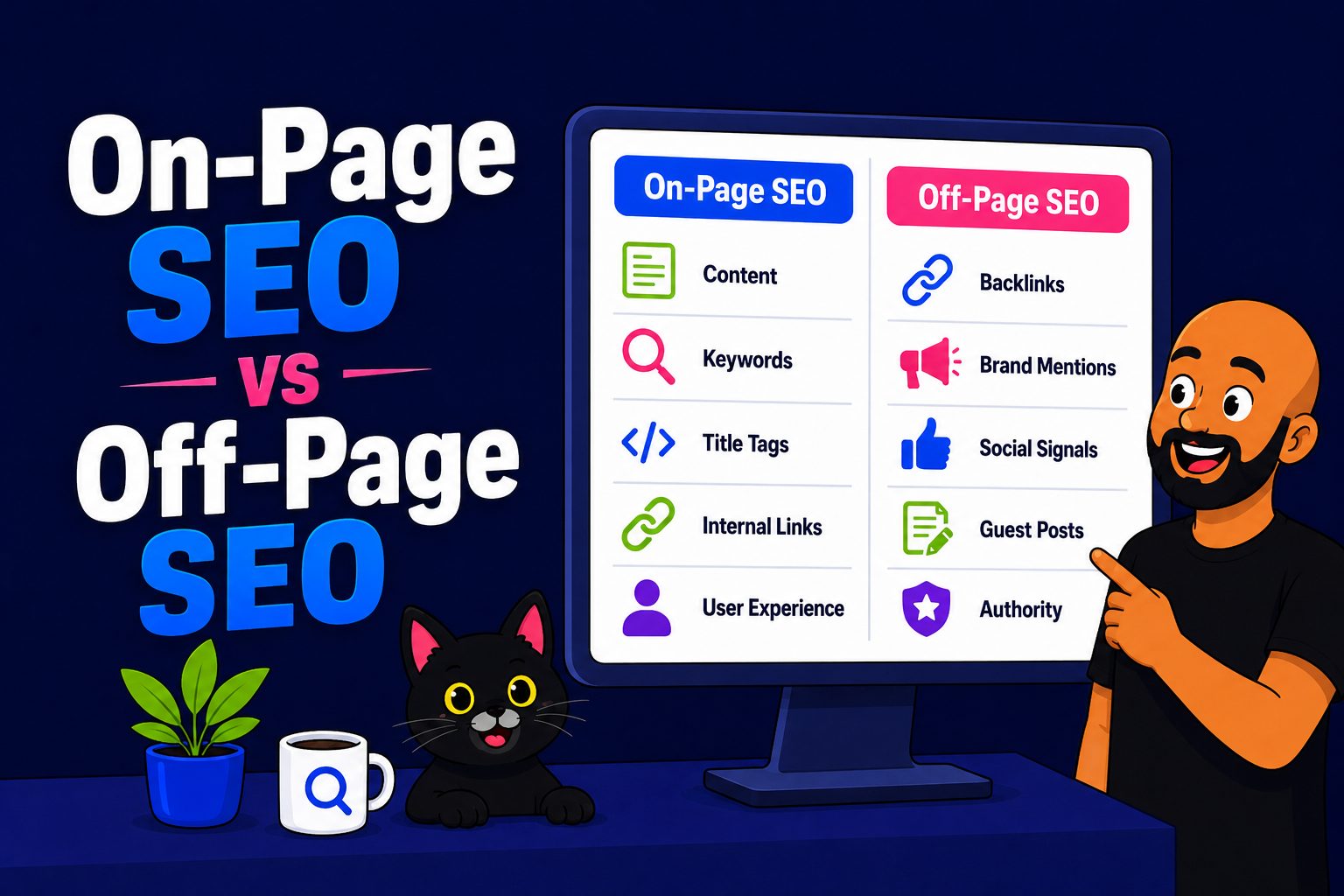
- External links send people off your site, cite your sources, and signal to Google what your page is actually about.
So when people ask about the “types of links,” there are really three: internal (your site to your site), outbound external (your site to another), and inbound external — the backlinks pointing at you.
Do external links help or hurt your SEO?
Linking out to relevant, trustworthy pages helps you. It does not drain your rankings.
I know the fear, because nearly every business owner I talk to has it: won’t I send people away? Won’t I hand Google a reason to leave my page? Aren’t I leaking my own authority out the door?
No. Here’s why linking out actually works for you.
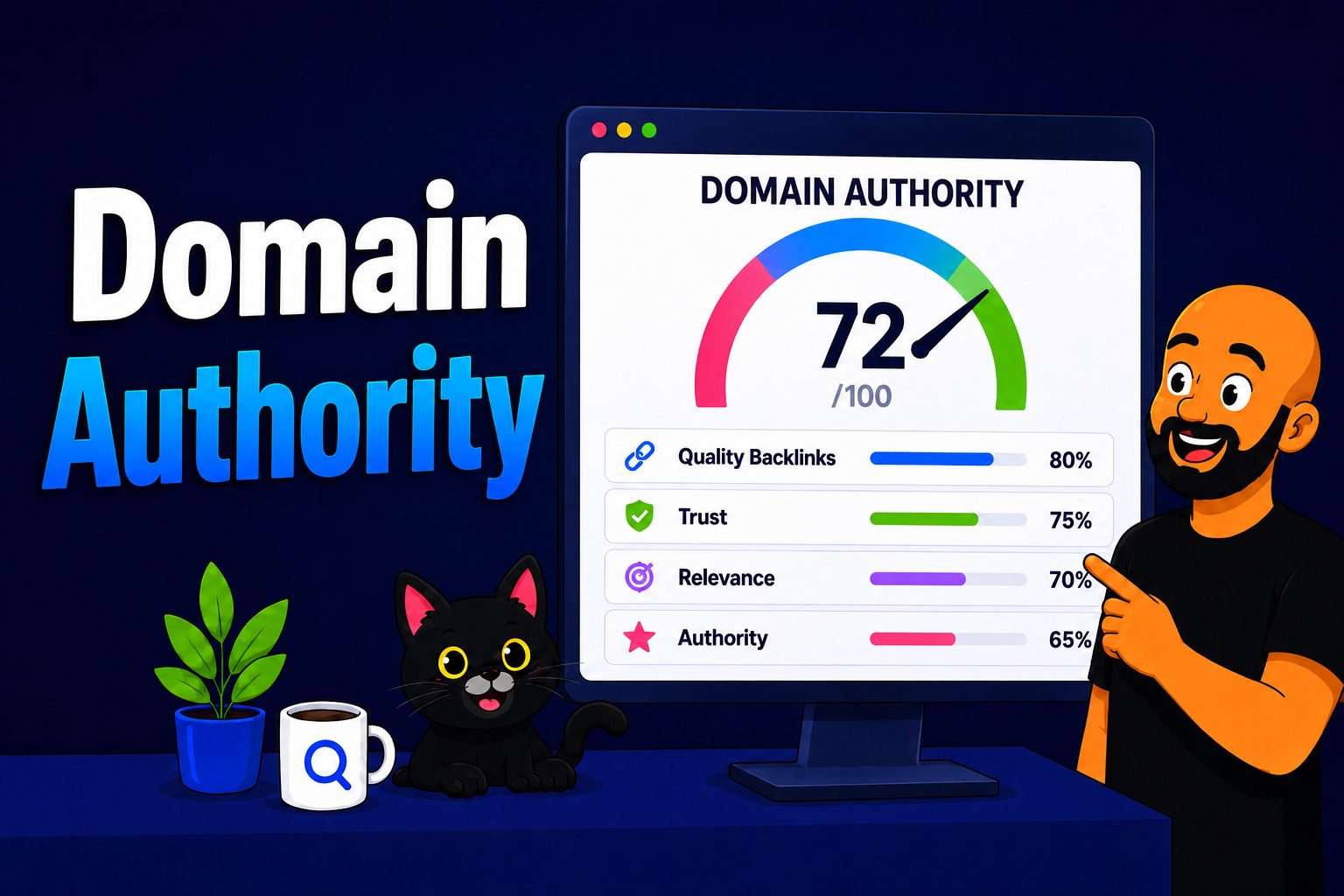
It builds trust. When you state a statistic, linking out to the actual study — instead of pulling a number out of thin air — proves you did the work. Every stat in this article links to its source. That’s not decoration; it’s evidence I actually read the research, and Google’s whole E-E-A-T model rewards exactly that kind of credibility.
It tells Google what your page is about. Search engines read the company you keep. A mortgage broker’s page that links out to the Reserve Bank and interest.co.nz is clearly about home loans.
The same page linking out to an online casino sends a very different signal. What you link to adds context to your own content.
It’s a better experience. Sending a reader to a genuinely useful source is good service, and Google rewards pages that serve people well.
Now the honest bit, because I’d rather you trust me than oversell this.
Google’s John Mueller has said outbound links aren’t specifically a direct ranking factor.
But the data tells a more interesting story. Reboot Online ran a controlled experiment: ten brand-new sites, half with outbound links to Oxford, Cambridge and the Genome Research Institute, half with none.
The sites that linked out ranked higher. They reran it in 2020 with fresh domains and got the same result, and Rand Fishkin called it about as close to proof as SEO ever gets.

I’ve seen it play out in real campaigns. HealthVI — a health site I built with my old mentor Ian Pribyl — went from zero to over 20,000 visitors a month, and linking out to solid medical and research sources was part of the foundation, not an afterthought.

Same with Expert SEO. It links out heavily to original sources, and it’s getting cited in Google’s AI Overviews against agencies that have been around ten times longer.

The “hoarding your authority” idea is a hangover from 2009 SEO that refuses to die.
Linking out sensibly doesn’t cost you rankings; refusing to link out just makes your page look like it’s hiding something.
dofollow, nofollow, sponsored and ugc
Most of your external links should be normal, followed links. You only add a tag when you don’t fully vouch for where the link goes.
There are four states to know:
- dofollow — the default. A normal link, and a quiet endorsement of the page you’re pointing to.
- nofollow — “I’m linking, but I’m not vouching for this.” Use it for sources you don’t fully trust.
- sponsored — for paid links, ads and affiliate links.
- ugc — for user-generated content, like links in blog comments or forum posts.
Since 2019, Google treats all three tags as hints rather than hard rules, but the practical effect is the same: a tagged link generally won’t pass an endorsement.

Adding one is simple. In WordPress, the link panel has a toggle for nofollow and new tab; Rank Math and Yoast add the same controls. In raw HTML you drop it straight into the tag.
One mistake to avoid: don’t slap nofollow on your good editorial links. You gain nothing, and you’re telling Google to ignore a perfectly healthy signal.
Best practices for linking out
Good external linking comes down to relevance, trust and natural anchor text. Get those three right and you’re most of the way there.
- Only link to relevant, trustworthy pages. In a New Zealand context, government sources like stats.govt.nz and legislation.govt.nz are gold — Google trusts them, and so do your readers.
- Use descriptive anchor text, not “click here.” The clickable words should tell the reader (and Google) what’s on the other end. This is the same anchor text logic that matters everywhere else in SEO.
- Forget the old “three to five links per page” rule. Top-ranking pages routinely carry a dozen or more outbound links. Link as many as genuinely help the reader — no quota, no padding.
- Open external links in a new tab so you don’t lose the reader the moment they click.
- Link to the specific page, not the homepage. If you’re citing a clause, link the clause.
Here’s it in practice: a Hamilton law firm writing about a tenancy dispute should link the exact section on legislation.govt.nz — not bury it behind “read more here.”
That one habit makes the page more useful and more credible at the same time.
How to add an external link
In WordPress it’s three clicks. In raw HTML it’s a single tag.
In WordPress:
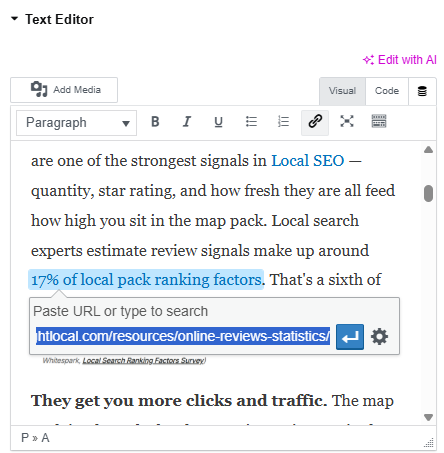
- Highlight the text you want to turn into a link.
- Click the link icon (or hit Ctrl/Cmd + K) and paste the URL.
- Open the link settings and tick “open in new tab” — and the nofollow toggle if you don’t want to vouch for it.
In HTML, it’s one line:
<a href="https://example.com" target="_blank" rel="noopener">your anchor text</a>
How to find and fix broken external links
External links rot. The page you linked to gets moved, renamed or deleted, and your link quietly breaks — which is a bad look for both your readers and Google.
It happens because the other site is completely out of your control. They rebrand, restructure, or shut down, and there’s nothing you can do about it on their end.
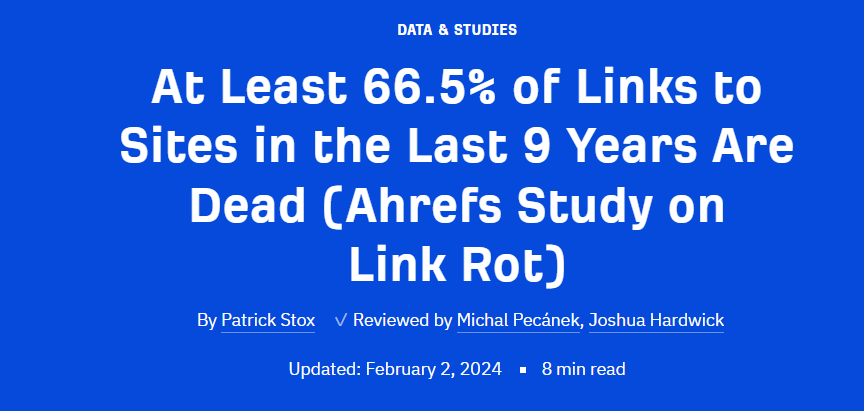
And it’s not rare: Ahrefs found that 66.5% of links had died over roughly nine years. Two in three.
Here’s how to find and fix them:
- Crawl your site. Screaming Frog (free up to 500 URLs) flags every broken outbound link in one pass — just make sure “check external links” is enabled in the crawl settings, or it skips them. Ahrefs and SEMrush Site Audit do the same.
- Check Google Search Console for additional errors, though a crawler is the real workhorse here.
- Fix each one — update the link to the live page, swap it for a better source, or pull it out entirely.
In reality, most New Zealand sites I audit have a stack of these sitting unnoticed. It’s one of the first things a proper SEO audit turns up, and it sits squarely in the technical SEO side of the house.
Common external linking mistakes
A few avoidable errors turn a helpful link into a liability:
- Linking to bad neighbourhoods. You vouch for who you link to, so spammy or low-trust sites drag you down with them.
- Hiding paid links. Paid and affiliate links need the sponsored tag, or you’re risking a penalty.
- Over-linking. A link every other sentence is distracting and reads as spammy.
- Letting broken links sit. They pile up faster than you’d think.
- Stuffing exact-match keywords into outbound anchors. It looks manipulative and helps no one.
When to do it yourself vs hire an SEO expert
External linking is the easy part. Once you know the rules above, anyone can do it well.
The harder part is everything around it: which pages to build, what to target, and how to earn the inbound links that genuinely move rankings.
That’s where done-for-you SEO earns its keep. If you’d rather get the strategy right before spending a dollar, working with an SEO consultant is the faster route — and that’s where we come in.
External Links: FAQ
What is the difference between a hyperlink and an external link?
A hyperlink is any clickable link. An external link is a specific type of hyperlink — one that points to a page on a different website. All external links are hyperlinks, but not all hyperlinks are external; internal links point within your own site.
What are the three types of links?
There are three: internal links (one page on your site to another), outbound external links (your site to a different website), and inbound external links, also called backlinks (another website to yours).
Is an external link the same as a backlink?
Not quite. "External link" usually means an outbound link — one you place pointing to another site. A backlink is an inbound external link — one pointing to your site from somewhere else. Both cross a domain boundary, but they point in opposite directions.
How do I find external links pointing to my website?
Those are backlinks. Use a backlink checker like Ahrefs or SEMrush, or open the Links report in Google Search Console, to see which sites link to you and which pages they point at.
Are external links safe?
Yes, as long as you link to reputable, relevant pages. Linking to spammy or untrustworthy sites can hurt you, and paid or untrusted links should carry a sponsored or nofollow tag. Normal editorial links to good sources are completely safe and often help.