

Here’s a real Hamilton dental practice, listed on Google and on Facebook.

Same business. Same phone number. Typed two completely different ways.
On Google it’s +6478580750. On Facebook it’s +64 7-858 0750. The address doesn’t line up either — one reads “Hamilton Central, Hamilton,” the other just “hamilton.”
To you and me, obviously the same place. To Google, that’s a small crack in the exact detail it leans on to trust you.
That’s NAP — and keeping it consistent is one of the quietest, highest-leverage jobs in local SEO.
This guide covers what NAP actually is, why it moves your local rankings, the specific ways Kiwi business details drift out of sync, and how to check and fix yours.
What Is NAP in SEO?
NAP stands for Name, Address, and Phone number: the core contact details that tell search engines your business is real and located where it says it is.
Three fields you’ve had since the day you opened.
- Name — your exact business name (the one on the door, not a keyword-stuffed version)
- Address — your full street address
- Phone — your main contact number
You’ll sometimes see it written as NAP+W. Same thing, with your website URL added — the “W” ties every listing back to your site.
The term comes from local citations: any online mention of your business’s name, address and phone number.
Every directory listing, every profile, every “we sponsored the local footy club” write-up is a citation. More on those shortly.
Why NAP Matters for Local SEO
Google uses your NAP to confirm you’re a legitimate business. Match it everywhere and Google trusts your data, which helps you rank in the map pack. Contradict yourself across the web and both Google and the customer hesitate.
Here’s the mechanism:
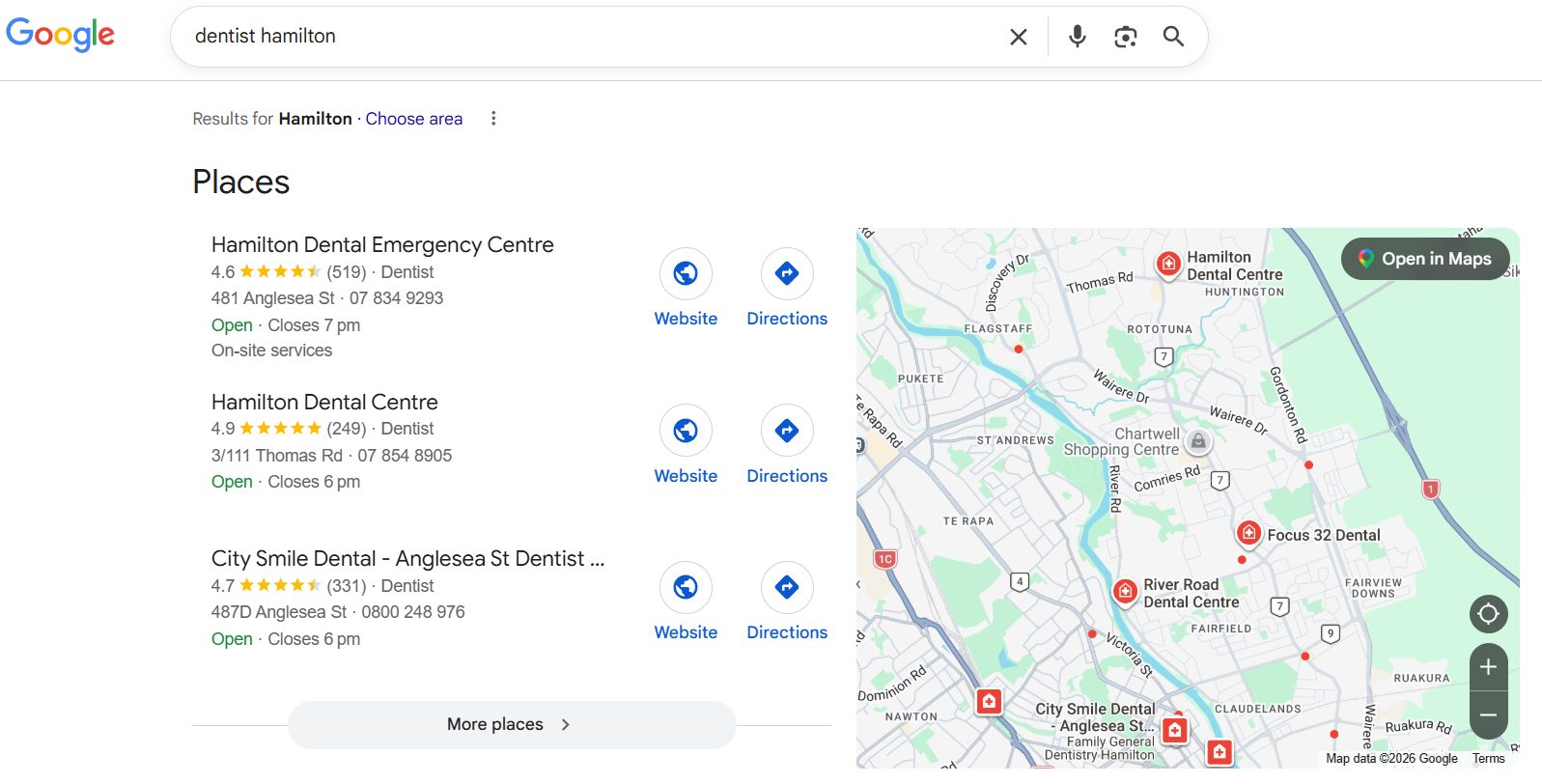
When someone searches “dentist Hamilton,” Google doesn’t just read your website. It cross-checks your details against every other place your business appears — directories, your Google Business Profile, social pages, data aggregators.
When those details all agree, Google’s confident it knows who you are and where. When they don’t, that confidence drops, and so does your ranking.
This isn’t a minor signal. Citations are consistently rated one of the top local ranking factors for both the map pack and local organic results — and the whole point of a citation is the NAP inside it.
BrightLocal’s research also found business directories make up around 37% of organic results for local-intent searches, so consistent listings do double duty: they feed rankings and they show up as results themselves.
Then there’s the human cost, which is even simpler:
If your old phone number is sitting on a directory and someone calls it, that job goes to whoever picks up. You never even knew they were looking.
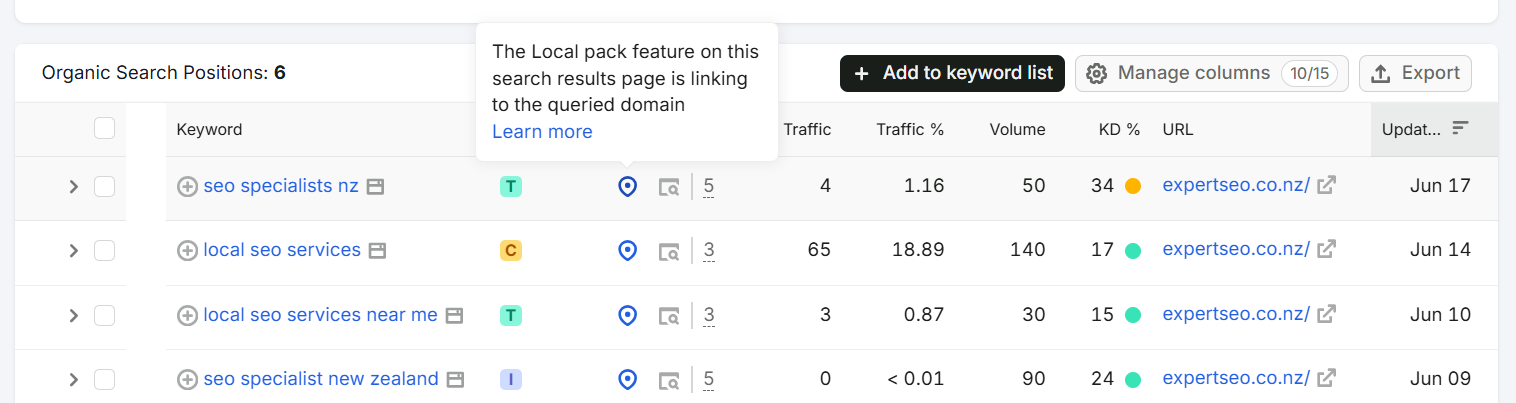
This is the same foundation behind our own website turning up in the local map pack for competitive NZ search terms — on a domain less than a year old, going toe-to-toe with agencies that had a decade’s head start.
Fundamentals like NAP aren’t glamorous, but they’re load-bearing.
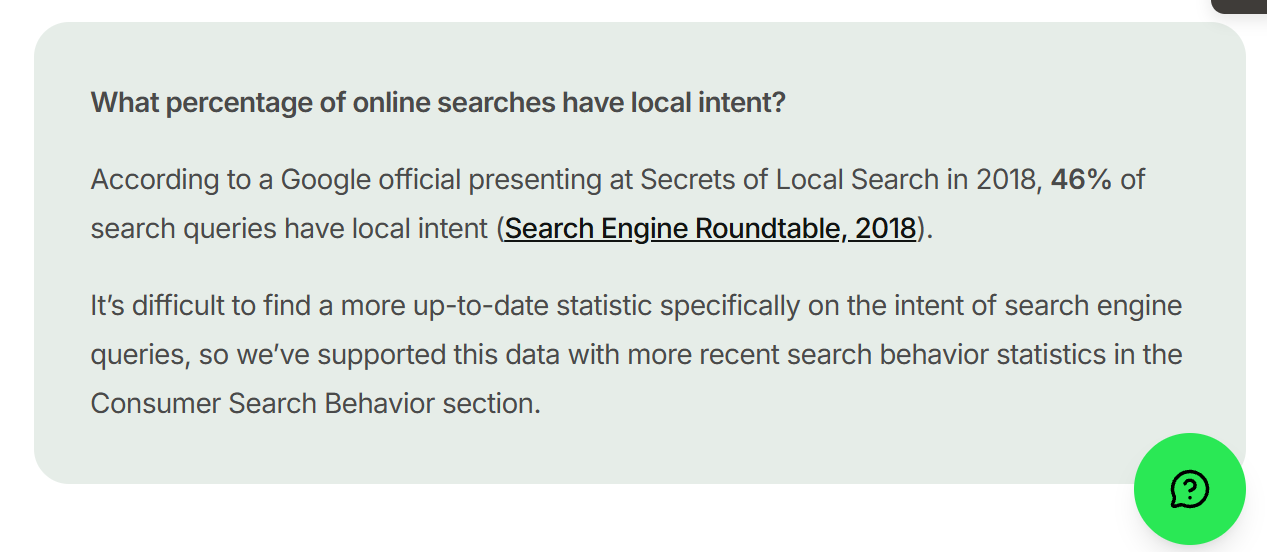
Local intent is huge, too: nearly half of all Google searches have local intent — people looking for something nearby, right now.
What NAP Consistency Means
NAP consistency means your name, address and phone number are written the same way everywhere they appear. When they drift, you create competing versions of your own business, and Google has to guess which one is true.
And this mess is everywhere: around half of all claimed business listings have incorrect information sitting in them somewhere.

That’s where the Hamilton dentist from the intro comes in.
Their details aren’t wrong, exactly — they’re just not the same twice. One listing has the phone jammed together, the next has it spaced out. One has the full “Hamilton Central,” the other doesn’t. Individually, tiny.
Stacked across a dozen listings, it’s the kind of low-grade confusion that quietly holds a business out of the map pack — which for a practice fighting for SEO in Hamilton, or any dental SEO battle, is the whole game.
Does it have to be perfect?
No — and this trips people up, so it’s worth being clear.
Google’s smart enough to normalise the small stuff. It knows “St” and “Street” are the same. It knows “No.” and “#” mean the same thing. You don’t need every space and full stop identical across 40 listings.
What you do need is the actual data to match: the same phone number, the same street address, the same business name.
Don’t lose sleep over “St” versus “Street.” Do lose sleep over two different phone numbers.
The NAP Mistakes That Trip Up NZ Businesses
Most NAP inconsistency in New Zealand comes from a handful of formatting habits — and the phone number is the worst offender by a mile.
Take that Hamilton dentist. Their number shows up as +6478580750 on Google and +64 7-858 0750 on Facebook.
Same digits. Two formats. And it could just as easily appear a third way — 07 858 0750 — on their own website.
Here are the traps that catch Kiwi businesses again and again:
The +64 versus 0 phone trap. A New Zealand landline can be written as 07 858 0750, +64 7 858 0750, or +6478580750 with no spaces. All the same line. All read as different strings if you’re not deliberate about it.
0800 numbers versus a local landline. Plenty of businesses list an 0800 number on one profile and their local landline on another. Pick one as your primary and use it everywhere.
Mobile versus landline. The tradie who lists his mobile on Google and the office landline on the website has just handed Google two “phone numbers” for one business.
Address formatting. Unit versus Level versus Suite, the order they go in, suburb-then-city versus just the city, macrons dropped on one listing and kept on another. Small stuff, but it adds up.
The fix is boring and it works: pick one master format for each field, write it out once, and copy-paste it from there every single time. Never retype it from memory — that’s how the third variation is born.
Where Your NAP Needs to Appear
Your NAP needs to live on your own website and match across every profile that mentions your business. In New Zealand, that “everywhere” is a specific, knowable list.
On your own site. Put your NAP in the footer of every page, plus your Contact and About pages. Write it as real, selectable text — not baked into an image. Google reads text; it can’t reliably read the phone number inside a JPEG of your header.

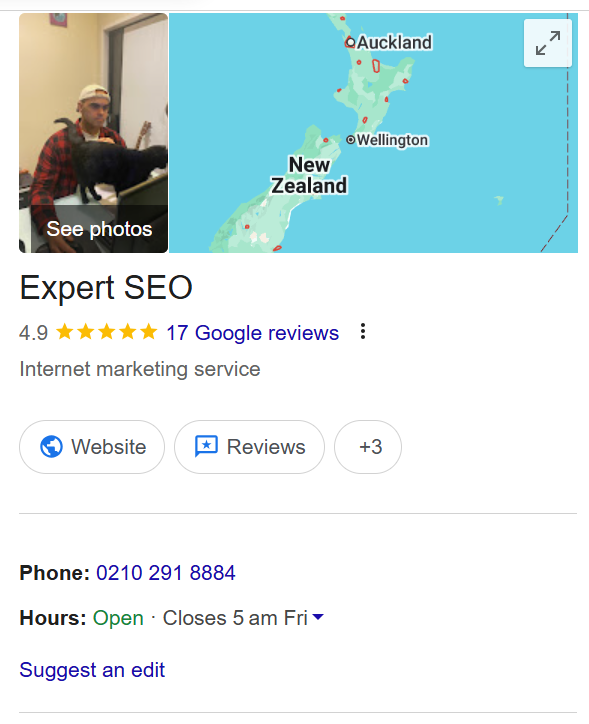
Google Business Profile. The single most important listing you own. It’s what powers your spot in the local map pack, so the NAP here has to be exact.
New Zealand directories. This is where most guides wave vaguely at “Yelp and Yellow Pages” and move on.
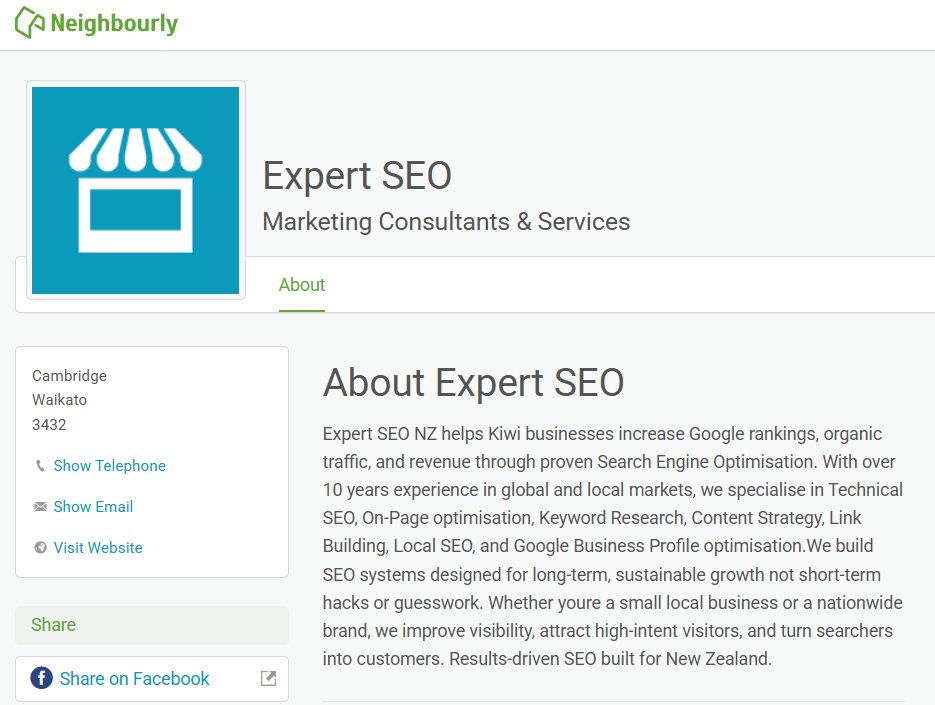
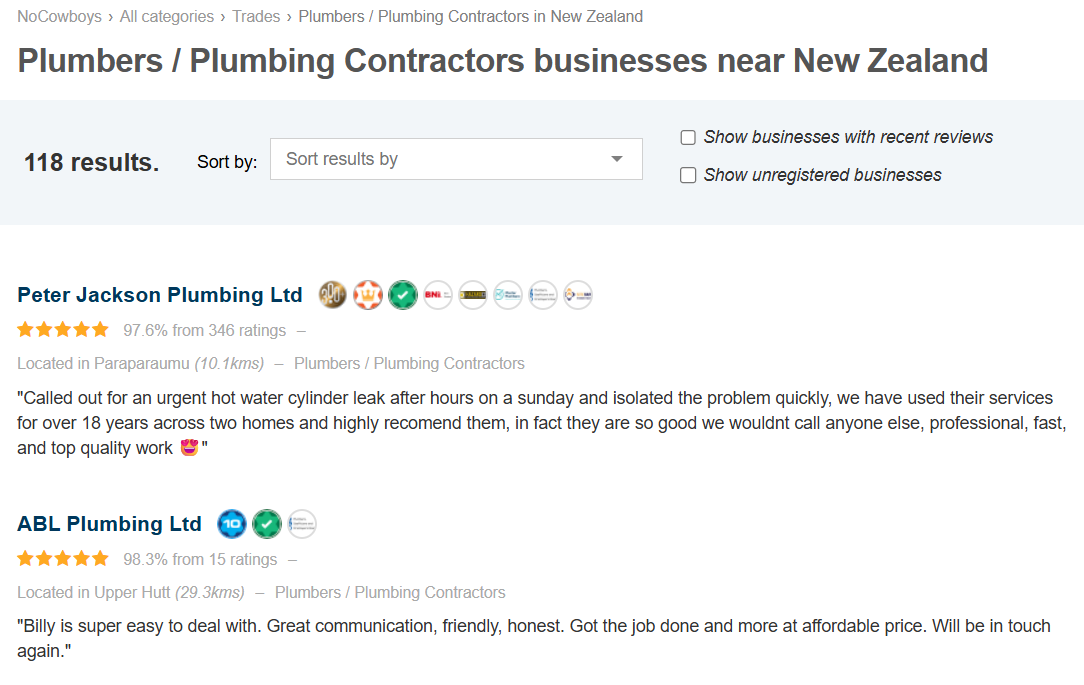
In NZ, the ones that actually matter are Yellow, Finda, Localist, the NZ Business Directory, Neighbourly, and NoCowboys — plus whatever industry-specific directory your trade has.
Social profiles. Facebook, Instagram, LinkedIn. Their “About” and contact fields are citations too, and they’re the ones people forget to update after a move.
Every one of those mentions is a citation. Get them saying the same thing and you’re building exactly the map-pack trust signal Google is looking for.
How to Check and Fix Your NAP
Auditing your NAP is a find-and-compare job: track down every place you’re listed, check each against one master version, and fix the mismatches in the right order.
There’ll be more of them than you’d think — the average small business has around 37 directory citations scattered across the web.

Here’s the process, start to finish:
- Set your master NAP. Write out the one correct version of your name, address and phone — exactly how you want it everywhere. This is your source of truth. Everything gets checked against it.
- Run the free manual audit. Google your business name and see what listings come up. Then search your phone number in quotes, and your old address in quotes, to surface stale listings. Use search operators like
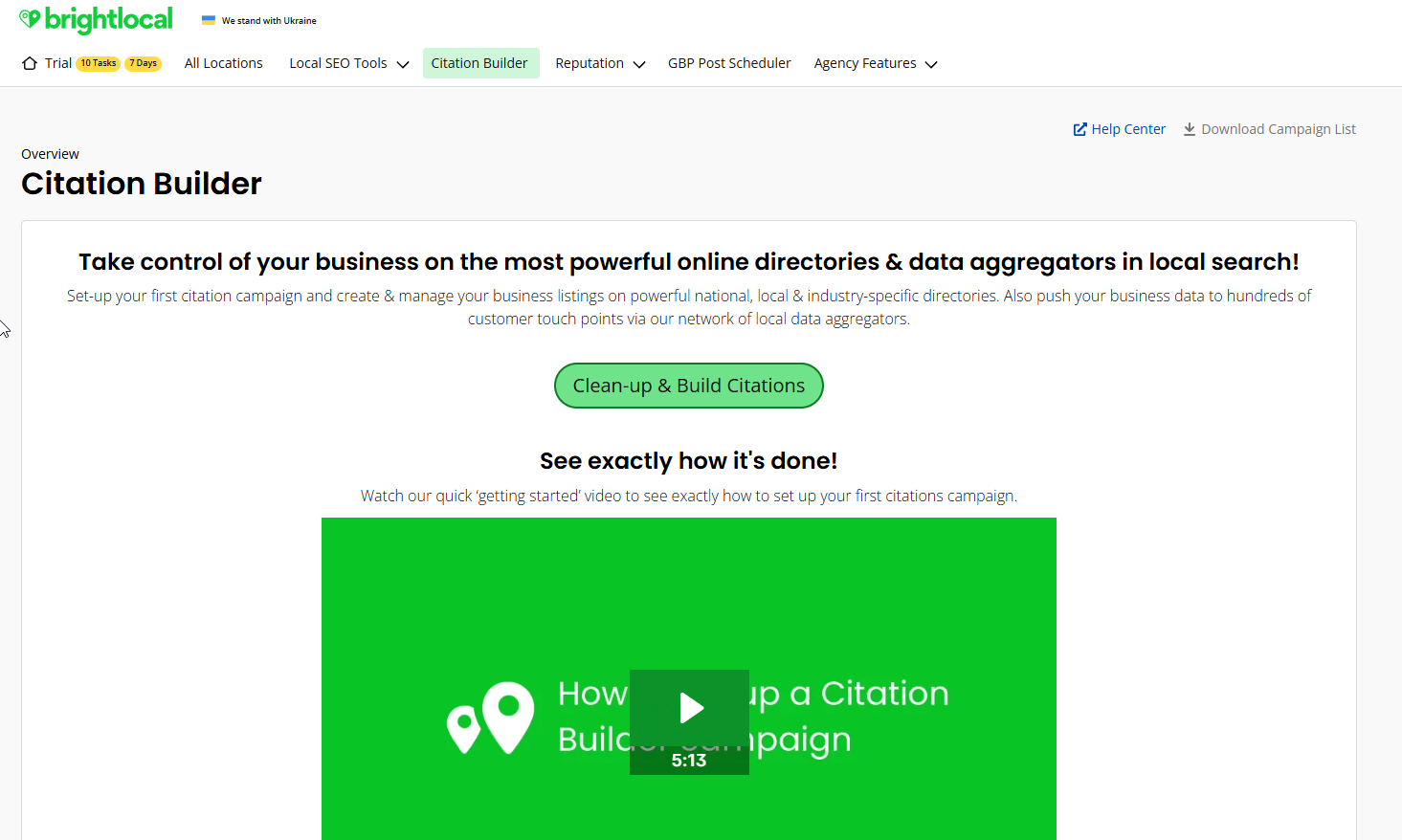
site:facebook.com "your business name"to check specific platforms. Open your Google Business Profile, your Yellow and Finda listings, your social pages — and eyeball each against your master. - Or use a tool to scale it. BrightLocal’s Citation Tracker finds where you’re listed, flags the inconsistencies in red, and even shows where your competitors have citations you don’t. Moz Local and Whitespark do similar jobs. You enter your details once and the tool does the hunting.
- Fix in the right order. Update your website first, then your Google Business Profile, then the big data aggregators, then individual directories. Copy-paste from your master record every time — never retype. If a tool won’t let you edit a listing directly, claim it or contact the directory.
If you want to shortcut the tool side of this, our rundown of the best SEO tools for NZ businesses covers which local ones are worth paying for.
NAP for Service-Area Businesses With No Public Address
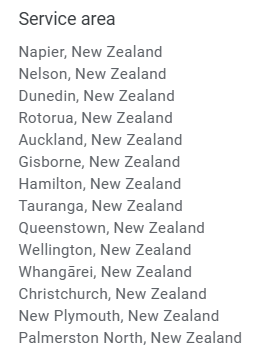
If customers don’t come to you, you don’t publish a home address. You set a service area in Google Business Profile instead, and you keep your Name and Phone rock-solid everywhere.
This is the reality for a huge chunk of NZ businesses: the mobile mechanic, the sparky, the mortgage broker working from a home office who’d rather not have strangers turning up at the house.
Here’s how you handle it:
In Google Business Profile, go to Edit profile → Business location, clear the street address, and set your service areas (the suburbs, towns or region you cover) instead. Google lets service-area businesses hide the address while still showing up for local searches.
Don’t publish your home address just to fill the field. And don’t invent a fake office — that’s the kind of thing that gets listings suspended.
The “A” might be hidden, but the “N” and “P” still have to match everywhere.
A mortgage broker covering Tauranga who’s chasing better SEO in Tauranga needs their name and number identical on every profile, address or no address.
NAP, Schema and AI Search
LocalBusiness schema spells your NAP out in code so Google reads it without guessing. And that same consistent data is increasingly what AI search pulls from when it answers local questions.
Schema markup is a bit of structured data you add to your site. For a local business, LocalBusiness schema states your name, address, phone, hours and service area in a format built for machines to read.
It’s part of the technical SEO side of things, and it takes the guesswork out of what your NAP actually is.
Here’s why this matters more every month:
When someone asks ChatGPT, Gemini or Google’s AI Overview for a local business, those tools lean on the same underlying signals — Google Business Profile data, reviews, and citations.
Consistent NAP data is part of what makes your business easy for an AI to pick up and repeat with confidence.
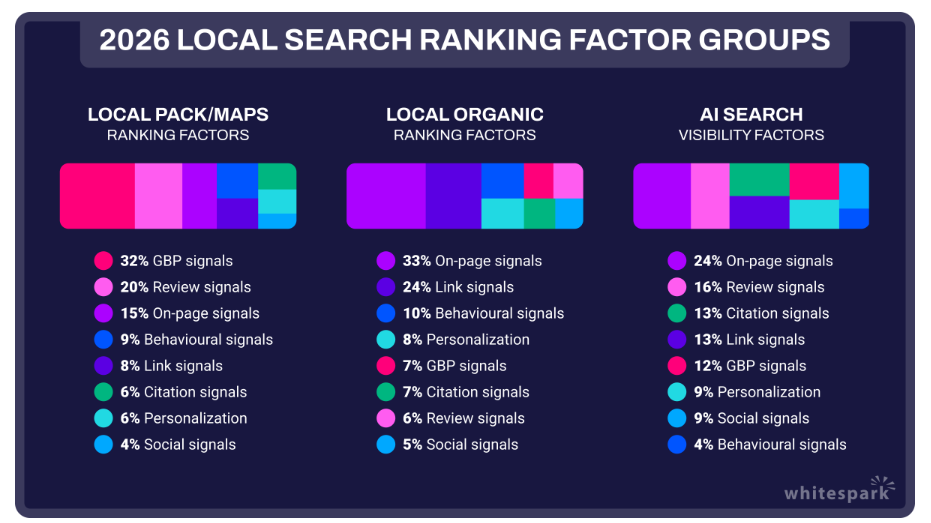
And citations pull more weight in AI search than they do in the traditional map pack — Whitespark’s 2026 data puts citation signals higher for AI results than for the local pack.
We’ve seen this first-hand. Our local SEO guide is being pulled into Google’s AI Mode as a cited source — the AI-generated answers at the very top of the results. That’s what happens when the fundamentals are tight and the content is built to get cited by AI.

Sloppy NAP data used to just cost you a bit of map-pack ranking. Now it can keep you out of the AI answer entirely.
When to Do It Yourself vs Hire an Expert
Fixing your NAP is genuinely a DIY job. Set your master details, run the free audit, work through your listings in order, and you can clean the whole thing up in an afternoon.
Where it stops being a one-afternoon job is everything around it: building citations at scale across the right NZ directories, keeping them synced as your business changes, and stacking NAP consistency on top of the reviews, content and Google Business Profile work that actually wins the map pack.
That’s the part most owners run out of road on — not because it’s hard, but because it’s constant.
If you’d rather have it handled than chip away at it between jobs, that’s where our SEO services come in. And if you just want to know what that kind of work costs before you decide, we’ve broken down what SEO costs in NZ with no fluff.
Either way, get your NAP consistent first. It’s the cheapest ranking win most Kiwi businesses are still leaving on the table.
NAP in SEO: FAQ
What does NAP stand for in SEO?
Why does NAP consistency matter for local SEO?
Does my NAP have to be formatted exactly the same everywhere?
What is NAP+W?
Do I need a physical address if I work from home?
What is a NAP citation?
Recommended Reading

Google Business Profile Optimisation
Where your NAP lives — how to fully optimise the listing that powers your map-pack ranking.

Off-Page SEO
Citations, links and mentions — how to build the off-site signals that back up your NAP.

Local Keyword Research
Find the exact local terms your customers search, then map them to pages that rank.